
Put AI to work.
Keep it close.

Useful AI, running on your own computers and servers. Built around the information, people and everyday work that matter to your business.
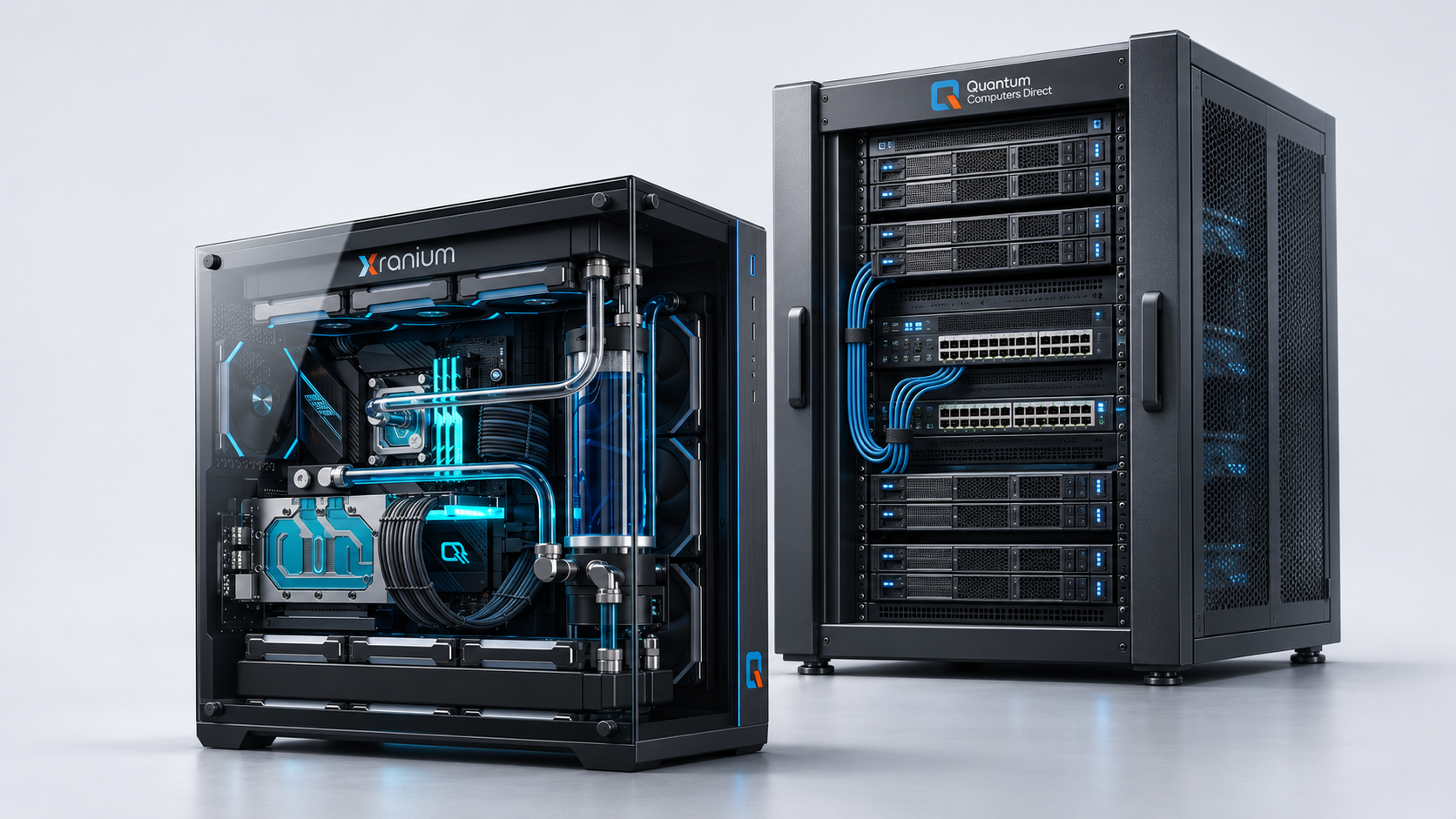
Illustrative Xranium workstation and Quantum Computers Direct server cabinet
Illustrative hardware concept. Your setup depends on your workload.
01   Your business information
02   Your local infrastructure
03   A practical starting point
A local foundation

AI where your
business works.

On-premises AI means running the AI model and supporting software on equipment in your own environment, rather than relying entirely on a remote service.
It can bring document search, drafting and repeatable tasks closer to your existing systems. The right setup starts with a clear use case, suitable hardware and a plan for who can access which information.
Local deployment gives you more decisions to make about how the system is operated. Access permissions, backups, updates and any external connections still need to be designed and maintained.
Start with one useful task

Less searching. More doing.

Choose a focused workflow where you can compare the result with how your team works today.

Find the information you need

Search an approved collection of policies, guides and business documents. Design answers to point back to source material so your team can check them.

Prepare a useful first draft

Turn approved notes and reference material into draft emails, summaries or internal documents, with a person reviewing the result.

Make repeatable work easier

Explore tasks such as sorting incoming information, extracting key details and preparing handovers, with clear review points.

Example use cases to explore during assessment; suitability depends on your documents, systems and chosen models.
How it fits together

Your information.
A connected workflow.

Agree which information the system should use, who should be able to use it and what a good result looks like. Then connect those pieces around a focused task.
Quantumiser is software in development within the Xranium approach: agents and workflow functionality for business tasks. Hardware from Quantum Computers Direct provides the local computing foundation. The scope and availability of individual features should be confirmed during planning.
Your business environment

Approved documents & systems

Access agreed for the task
↓

Local AI + workflow software

Running on your computers or servers
↓

Your team reviews the result

Check sources. Decide the next step.
Optional: approved cloud connections
Designed around your requirements

Make the important choices early.

Information & access

Identify the documents and systems in scope, their owners and the permissions people need. Decide how sources will stay current.

Hardware & capacity

Match the model, document volume, response expectations and number of users to the available memory, storage and compute.

Local or hybrid

Decide which tasks should stay local and whether any approved cloud service adds value. Review what each connection sends and receives.

Operation & review

Agree responsibilities for updates, backups, monitoring and support. Keep people involved where outputs need checking or approval.
A measured approach

Start small. Prove what helps.

01

Assess

Choose one task and understand the information, team and existing setup.
02

Pilot

Try representative work. Check answer quality, usability and the time involved.
03

Install & train

Agree the configuration, connect approved sources and help the team use it.
04

Review & refine

Compare results against the starting point and decide what to improve next.
Before you start

A few practical questions.

Does on-premises AI need the internet?
Some local models can run without a live internet connection. Installation, updates, licensing or connected services may still need access. Offline operation should be specified and tested as a requirement.
Can we use our existing computers?
Possibly. The answer depends on the model, available memory, workload and number of users. Assessing your existing equipment is a useful first step before selecting new hardware.
Will all our information stay on-site?
That depends on the configuration. Model hosting, integrations, telemetry and support arrangements all need reviewing. A local model alone does not establish how every part of a system handles data.
How do we know it is useful?
Pick representative tasks and compare the pilot with your current process. Review quality, time spent, errors and how much checking people need to do before deciding to expand.
Let’s start with your work

What would you like
AI to help your team do?

Tell us about one task, the information it uses and your current setup.
That is a useful place to begin.
This email address is being protected from spambots. You need JavaScript enabled to view it.
Xranium
© Xranium. All rights reserved.